MACO-STORE | G4S GPS Head-Up Display


MACO-STORE | G4S GPS Head-Up Display
SPECIFICATIONS
MACO-STORE | G4S GPS Head-Up Display
SEE YOUR SPEED. KEEP YOUR EYES ON THE ROAD. 🚗⚡
Clear information. Smarter driving. Less distraction.
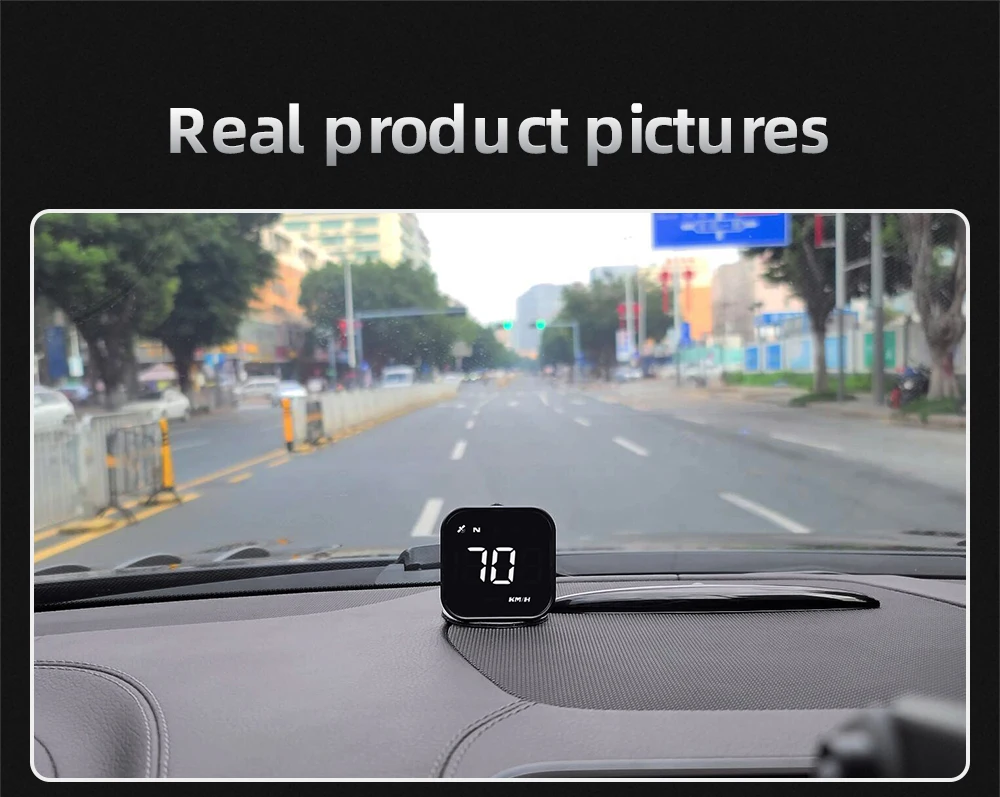
Meet the MACO-STORE G4S GPS Head-Up Display — a compact digital driving accessory designed to display your vehicle's speed directly within your natural field of view.
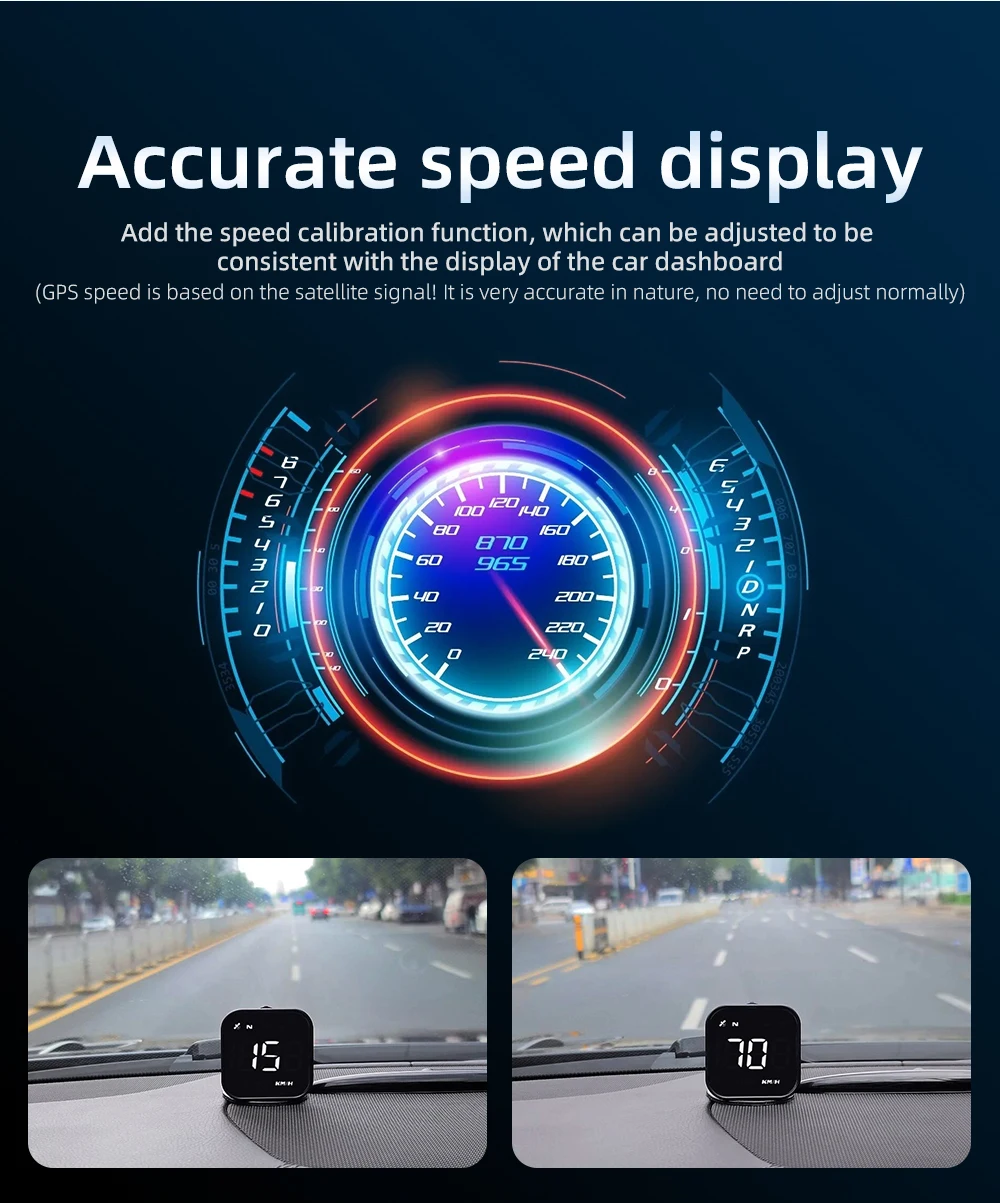
Using GPS-based speed measurement, this smart display helps you monitor your speed without constantly looking down at the traditional dashboard.
✨ WHY YOU'LL LOVE IT
🚗 GPS SPEED DISPLAY
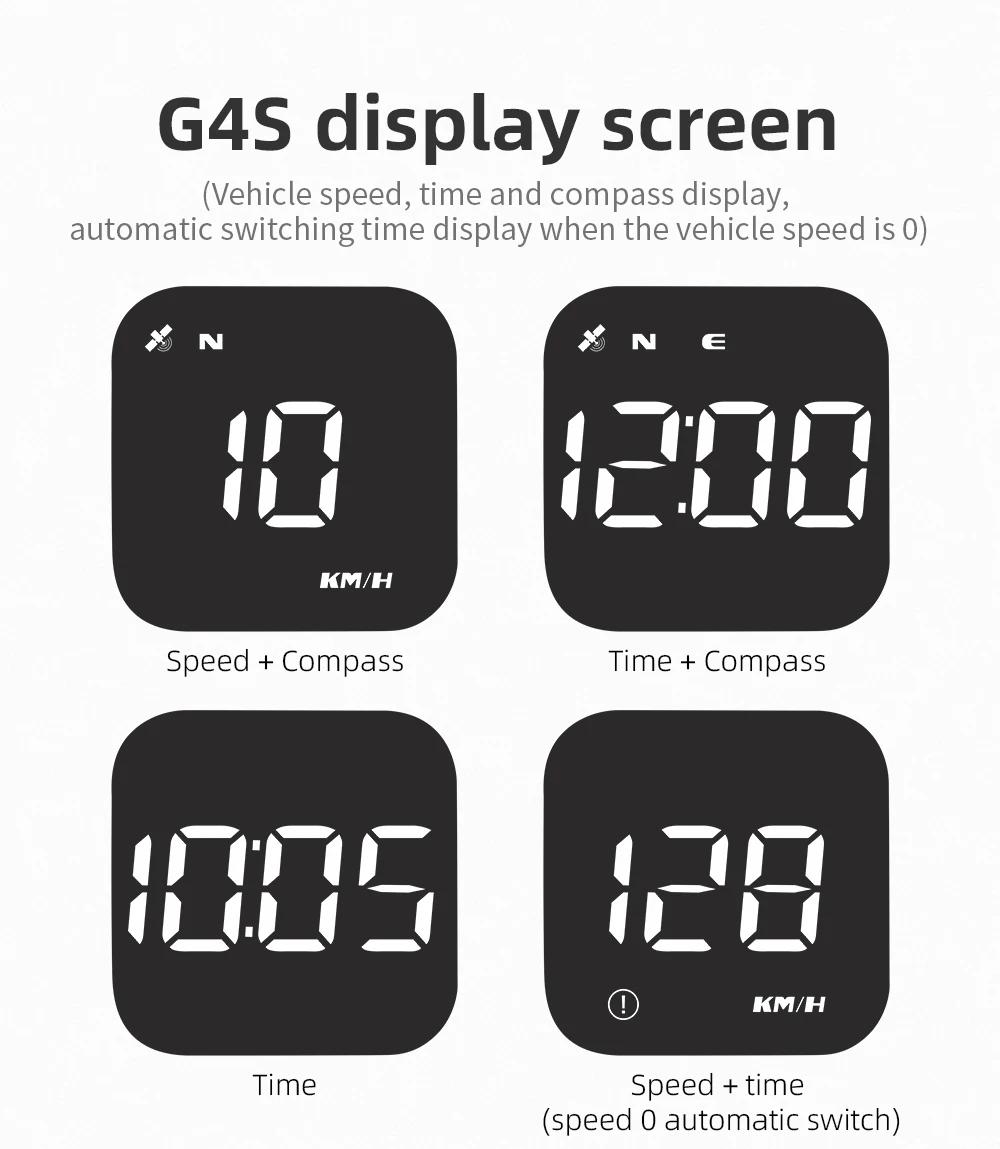
View your current vehicle speed on a clear digital LED display using GPS-based speed information.
👀 HEAD-UP STYLE DESIGN
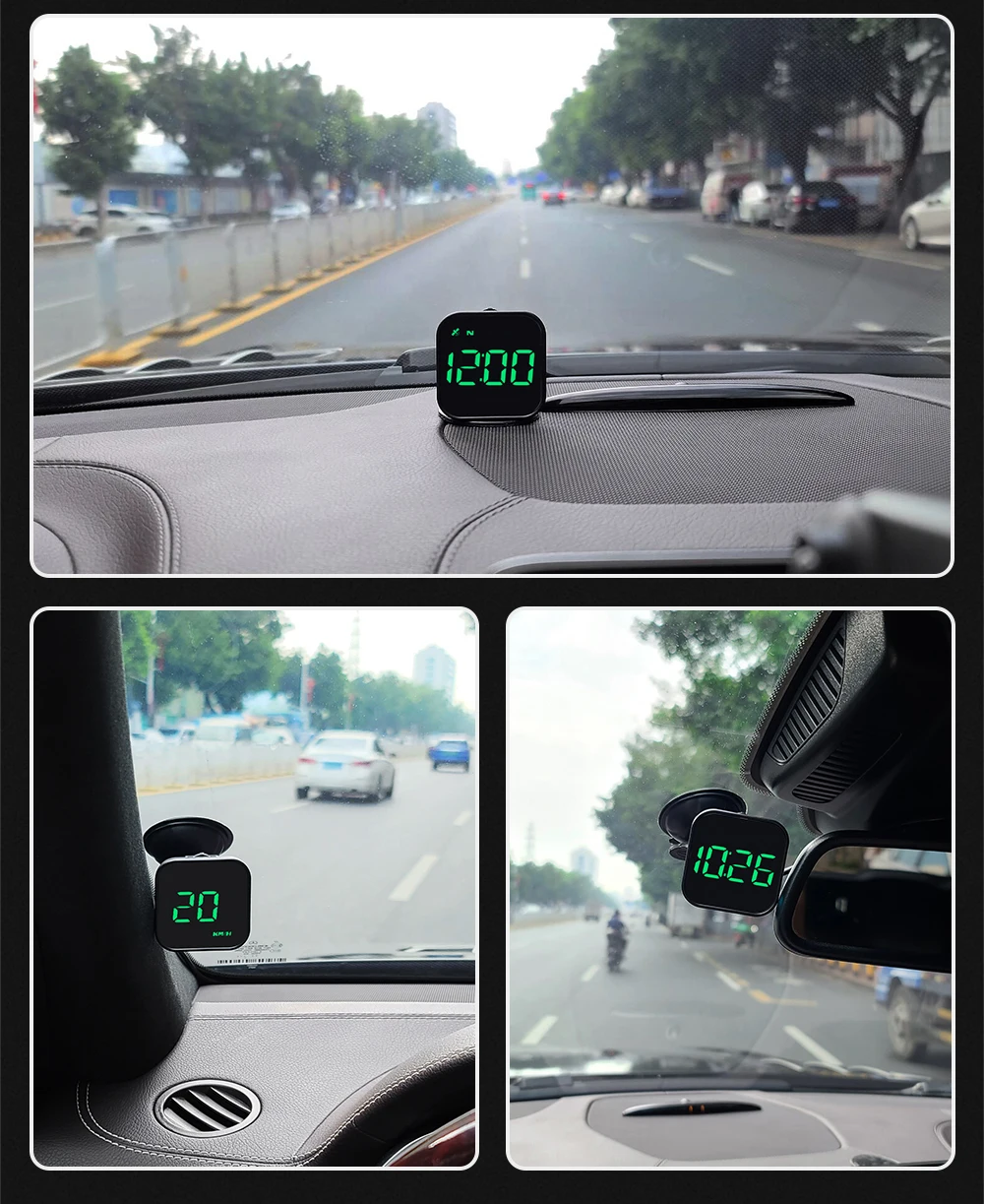
Position the display where it can be easily viewed while helping reduce unnecessary glances toward the dashboard.
⚠️ OVERSPEED ALERT
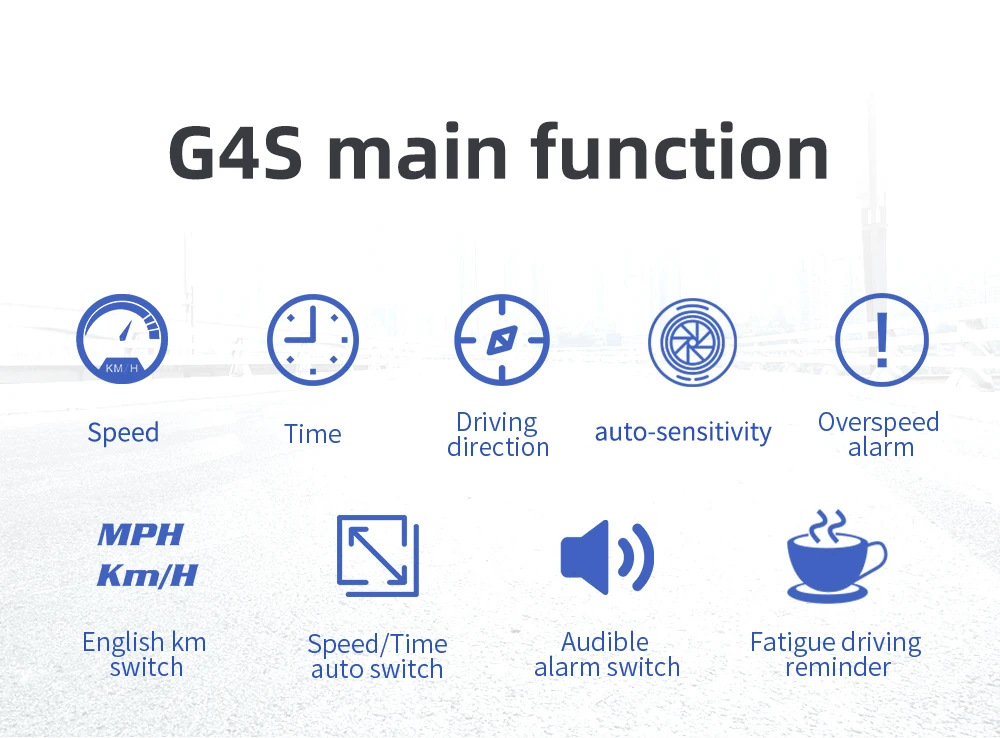
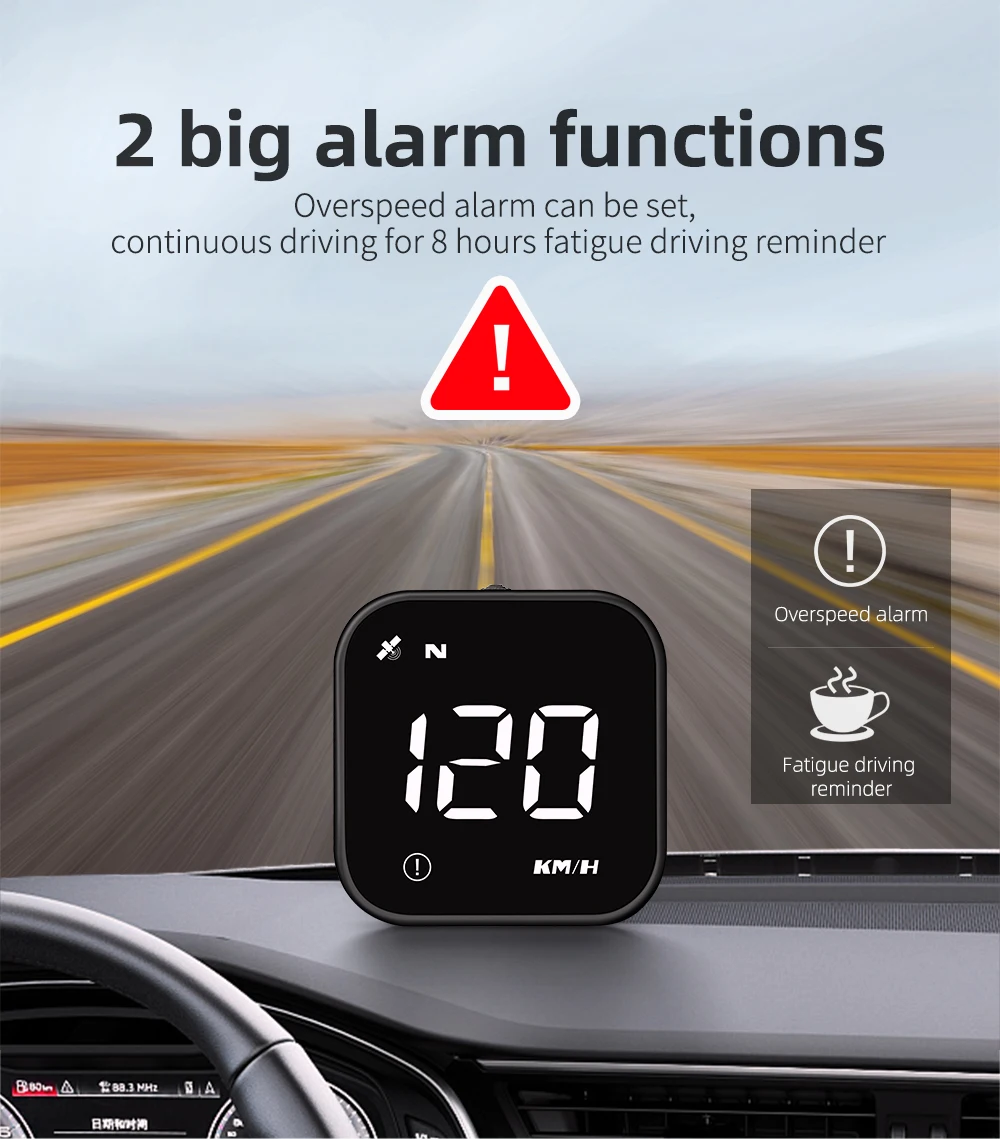
The built-in overspeed alarm can provide an additional reminder when your vehicle reaches a configured speed threshold.
✨ EASY TO ADD TO YOUR CAR
Designed as a standalone accessory, making it a convenient upgrade for many vehicles.
📱 CLEAN DIGITAL DISPLAY
Large, easy-to-read digital information helps you quickly check your speed while driving.
A SMARTER WAY TO MONITOR YOUR SPEED
Modern driving is all about keeping your attention where it matters most — on the road.
The MACO-STORE G4S GPS Head-Up Display gives you a simple way to monitor your speed through a dedicated digital display.
No complicated vehicle modification.
No permanent dashboard installation.
Just clear speed information when you need it.
Drive informed. Drive focused.
💎 PRODUCT DETAILS
-
Product Type: GPS Head-Up Display
-
Model: G4S
-
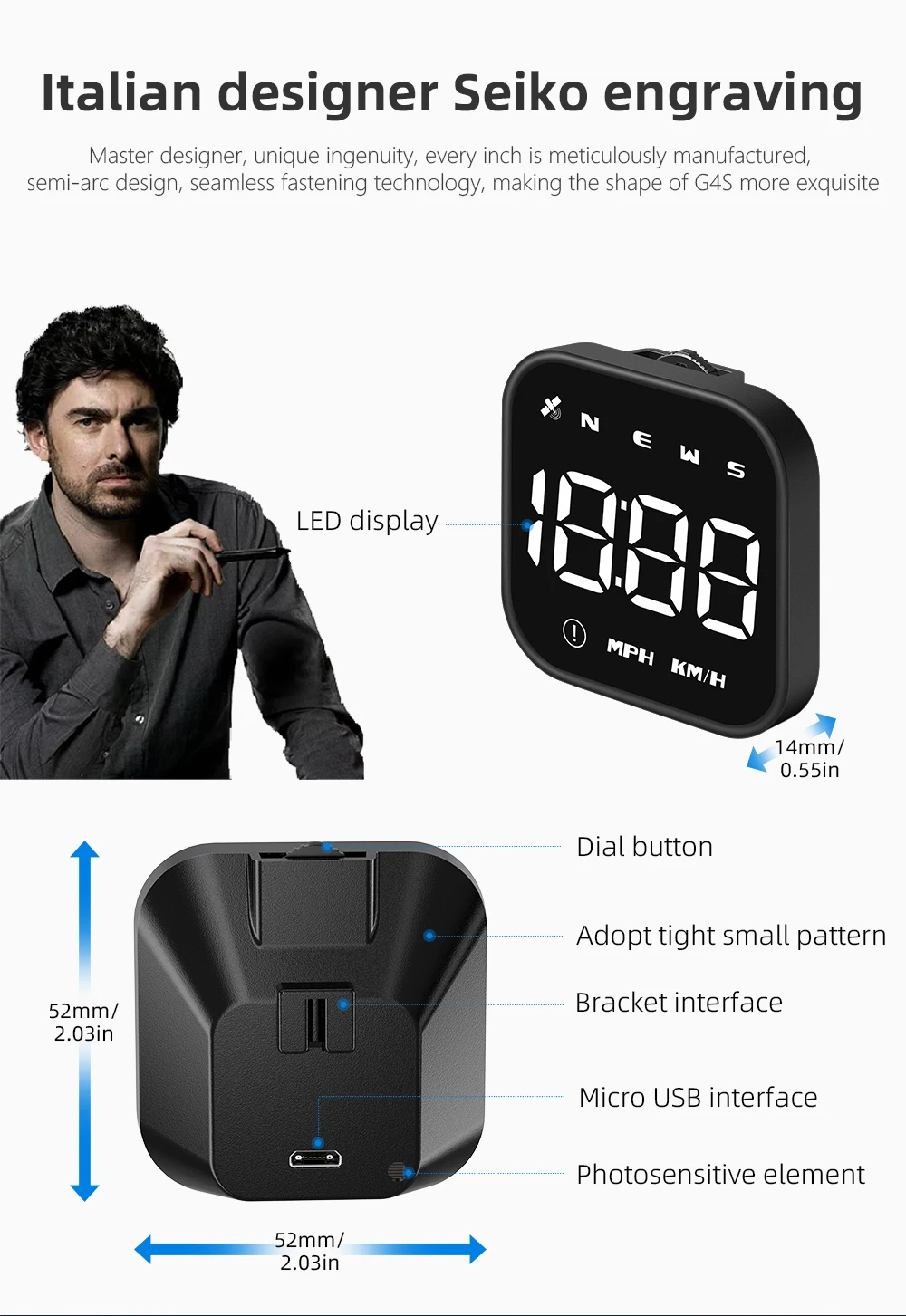
Display: Digital LED
-
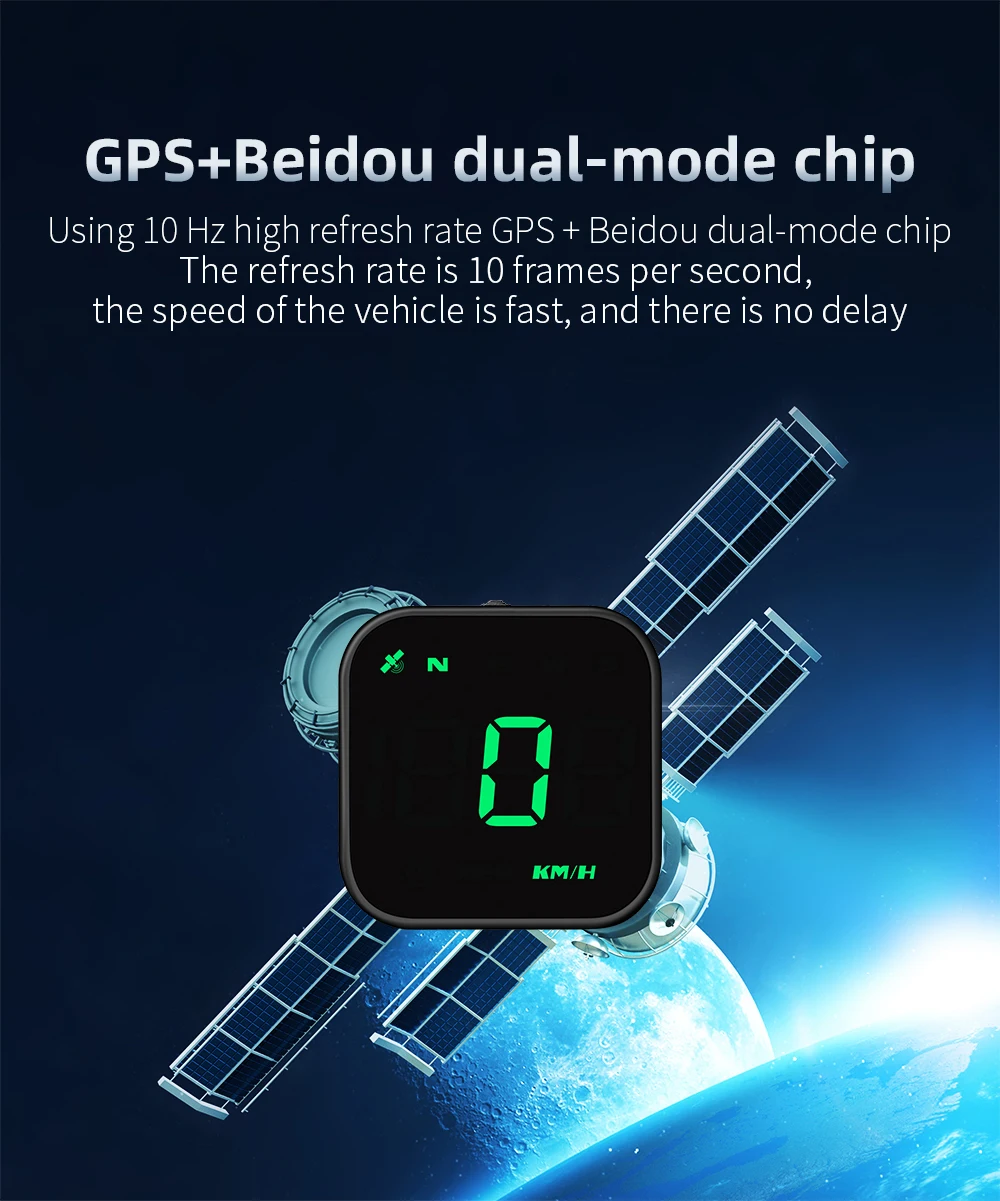
Speed Measurement: GPS-Based
-
Feature: Overspeed Alarm
-
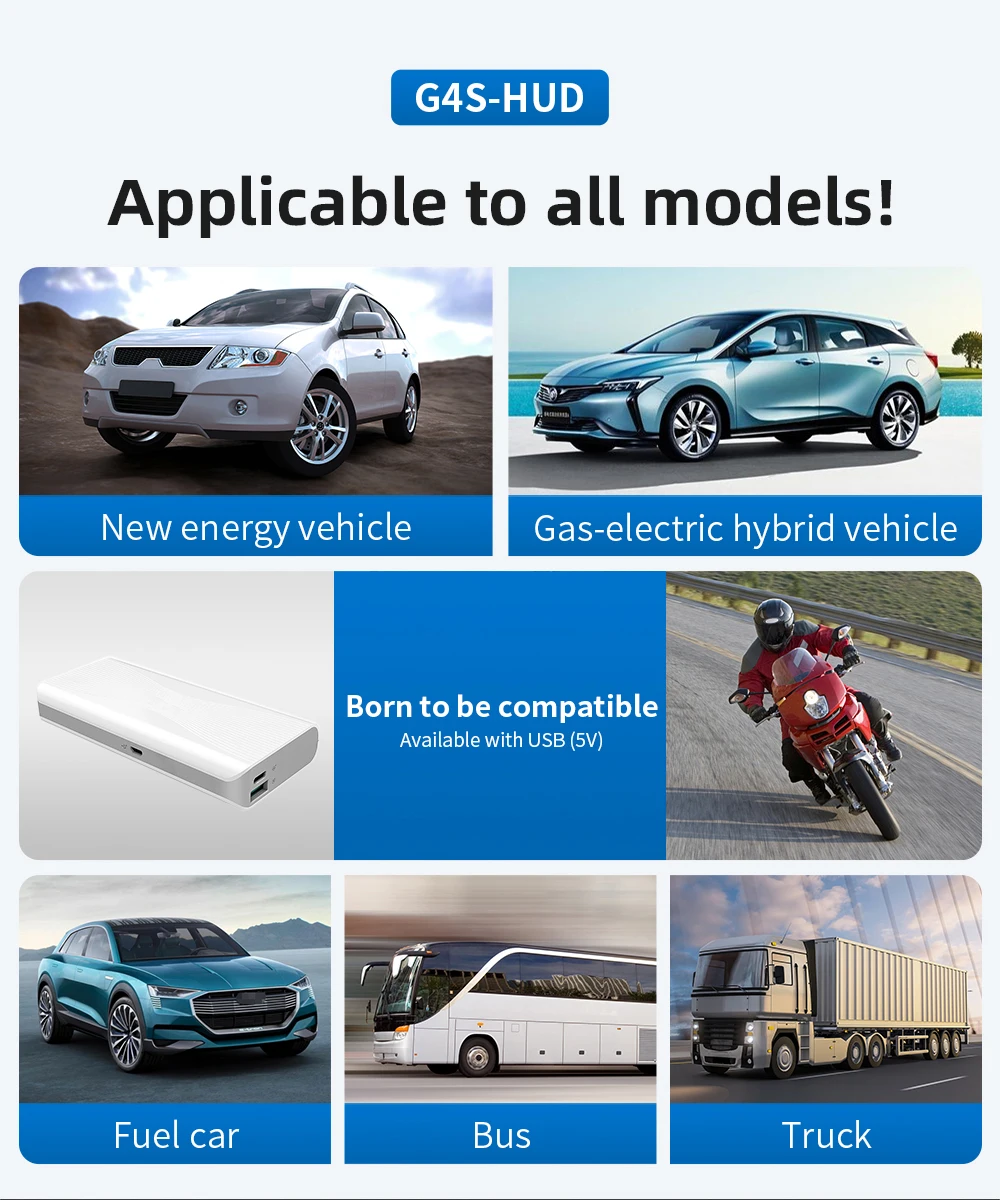
Use: Vehicle / Car
-
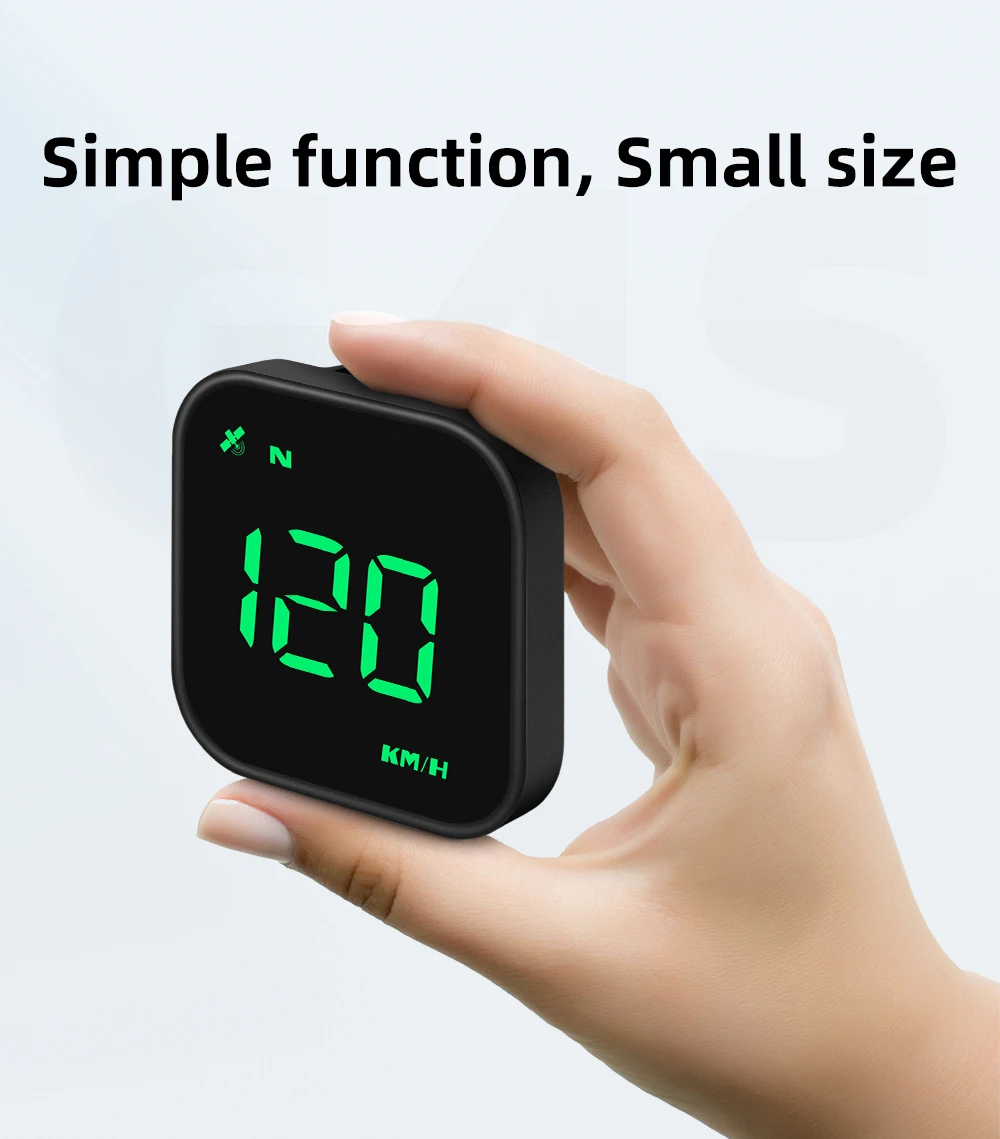
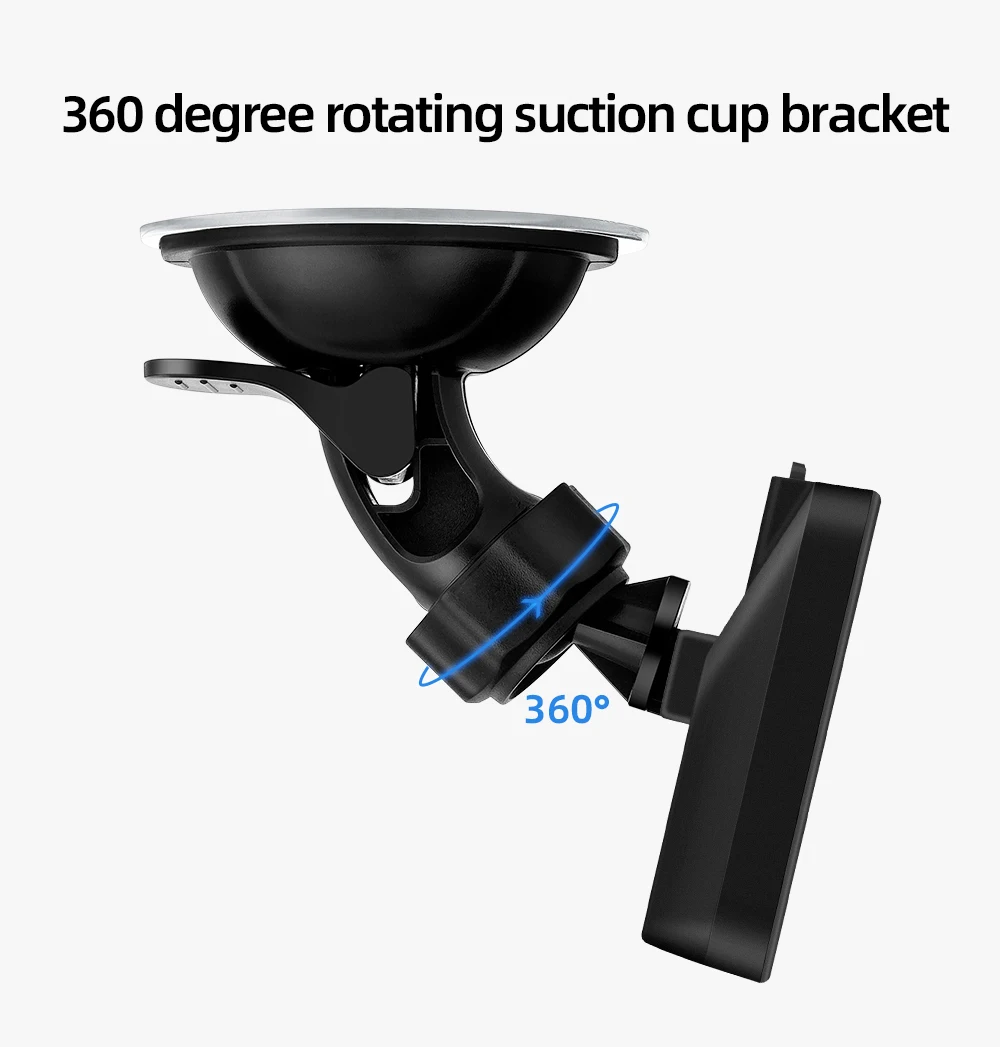
Design: Compact / Portable
-
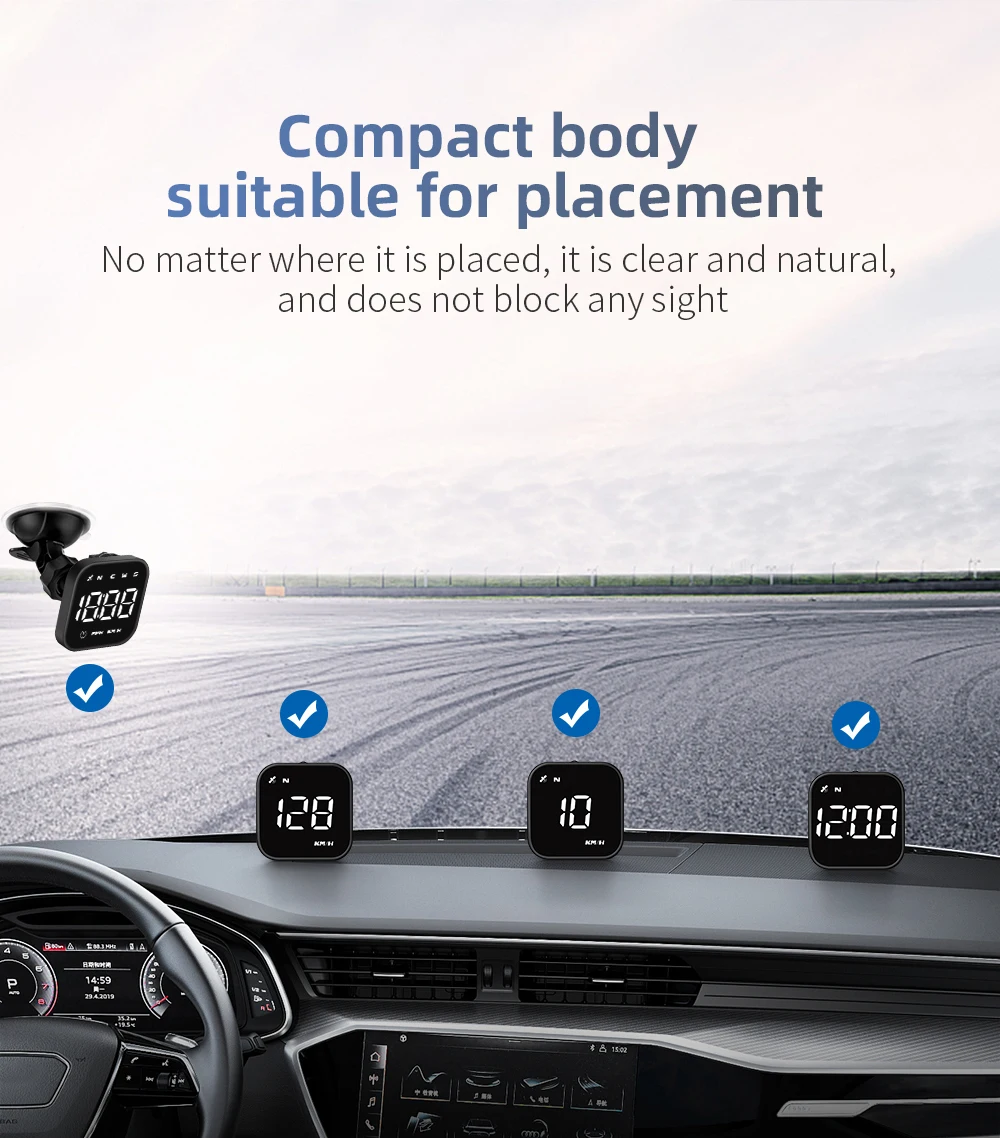
Installation: Vehicle Dashboard Area
⚠️ IMPORTANT
GPS-based speed information can be affected by signal availability, environmental conditions, GPS reception, and other factors.
The displayed speed should be treated as an informational aid, not as a replacement for your vehicle's legally required speedometer.
Always follow posted speed limits and local traffic laws.
Position the device so it does not obstruct your view, windshield, airbags, controls, or other safety equipment.
🧺 CARE & MAINTENANCE
To keep your display working properly:
-
Keep the display surface clean and dry.
-
Avoid excessive moisture and extreme temperatures.
-
Keep the GPS antenna area unobstructed where possible.
-
Secure the device properly before driving.
-
Do not attempt unauthorized modifications.
-
Follow the manufacturer's installation and operating instructions.
🚗 KNOW YOUR SPEED. FOCUS ON THE ROAD.
GPS speed display.
Digital LED screen.
Overspeed reminder.
A smarter companion for every journey.
MACO-STORE — Upgrade Your Everyday.

Special reminder:
The working voltage of this product is 5V, and the voltage higher than 5V is prohibited After the satellite icon is powered on, it flashes to indicate the search star. Please move the car to the open road until the satellite icon stops flashing.
G4S Function:
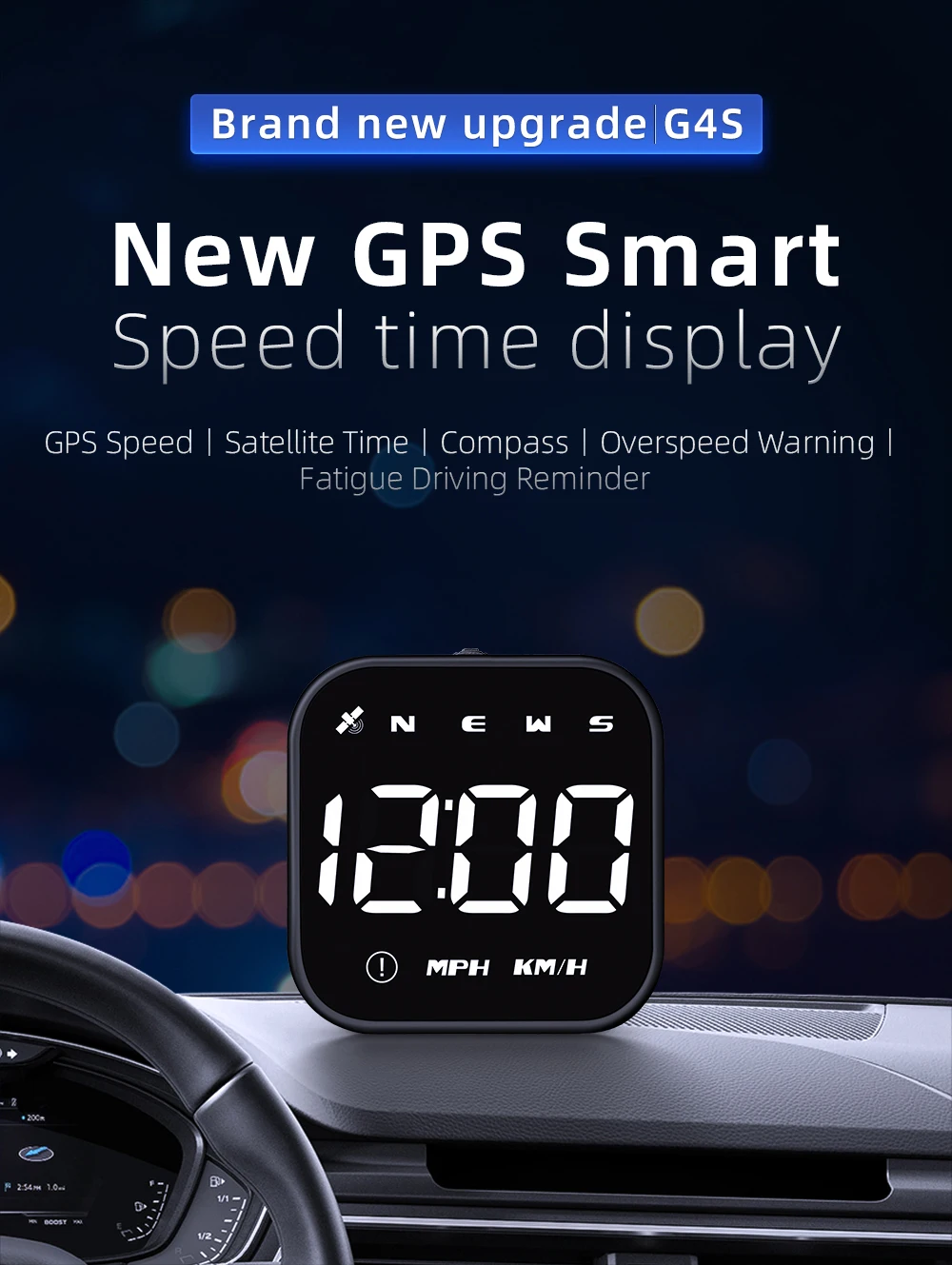
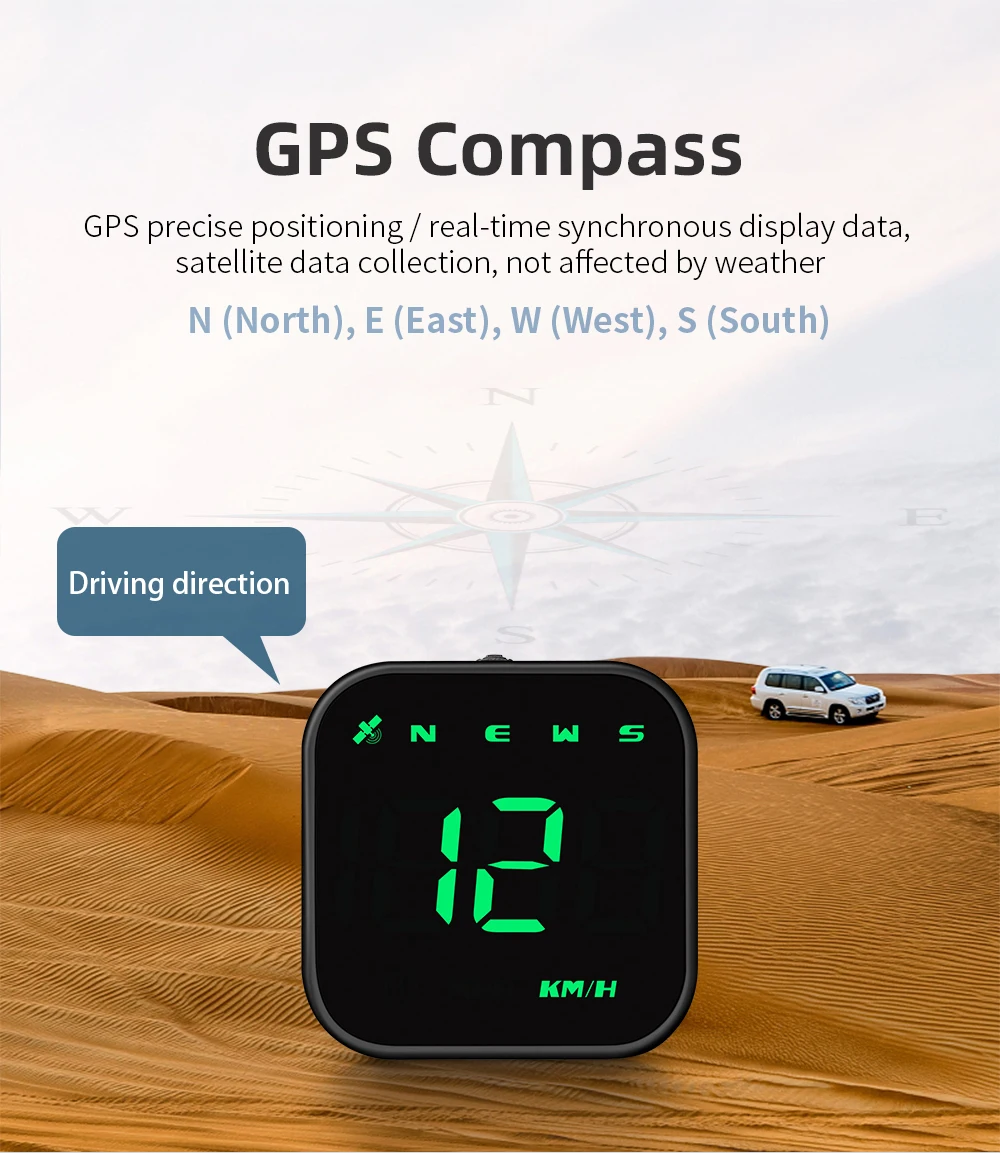
Vehicle speed, driving direction, time, search for stars, quantity
Alarm:
Overspeed alarm, fatigue driving reminder alarm
FAQ
1. No display on the screen, no power
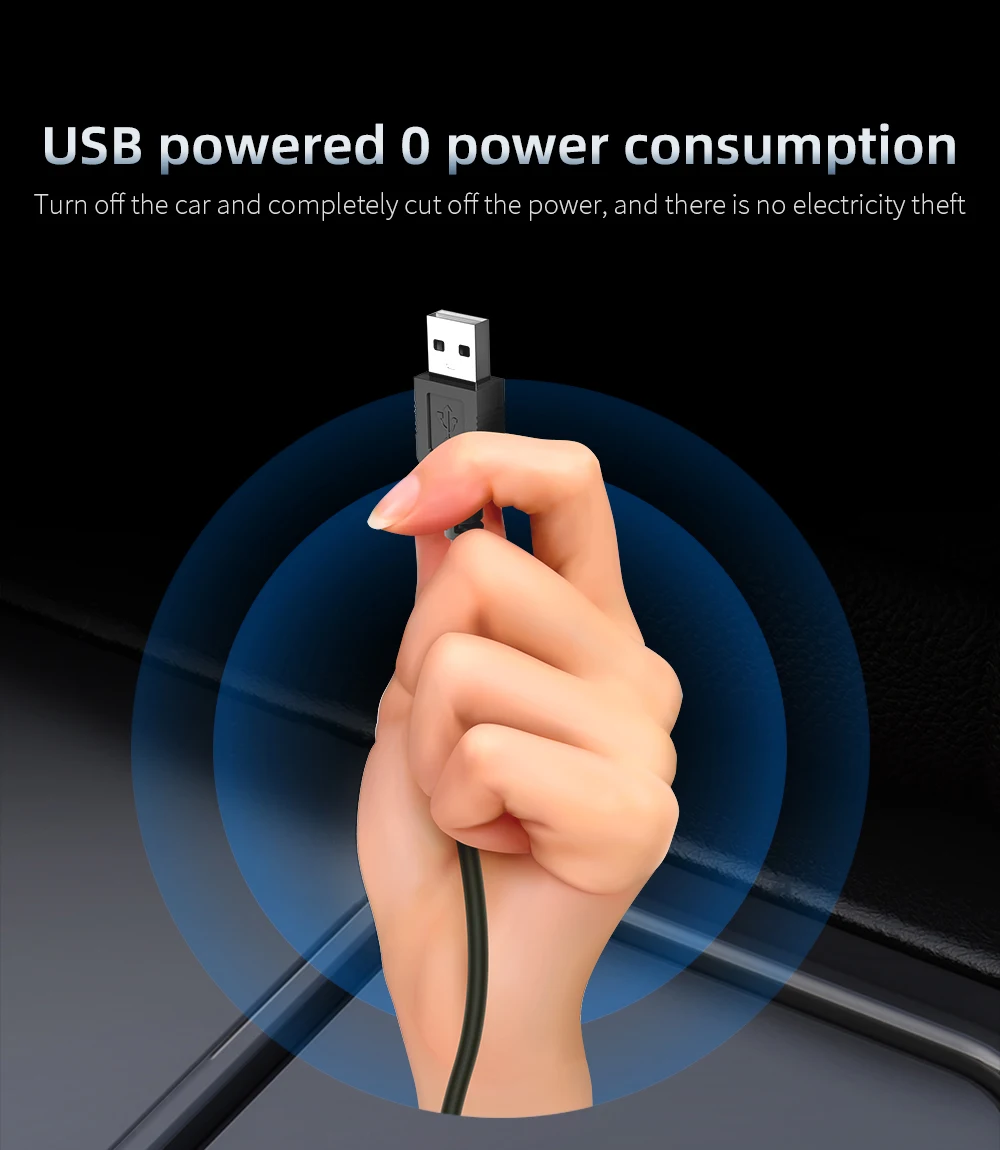
Check whether USB line is damaged, replace USB line test, and prohibit using voltage higher than 5V
2.No speed
The satellite icon flashes indicating the star search state. Please move the car to the open road and wait until the satellite icon stops flashing
3.The speed is not allowed
Check unit correct, km KM / mile MPH, (speed unit switch reference settings)
When the car leaves the factory, the manufacturer increases the speed displayed on the dashboard by 5-7%, and the international standard is subject to satellite data
Fine-tune the vehicle speed, if the meter displays 100 Km/h, the machine displays 105 Km/h, and adjust the parameter value to 102
4. Driving direction is wrong
The satellite can't tell your direction when there have no speed, and the speed exceeds 5KM / H
5. The speed is still displayed after the car is stopped
Underground parking lot, tunnel, overpass, with shielding will make the signal unstable satellite drift, please drive the car to the open road
6.Turn off the buzzer
The wheel dials left for 2 seconds to turn off the buzzer and dial left again to open the buzzer
Package Included:
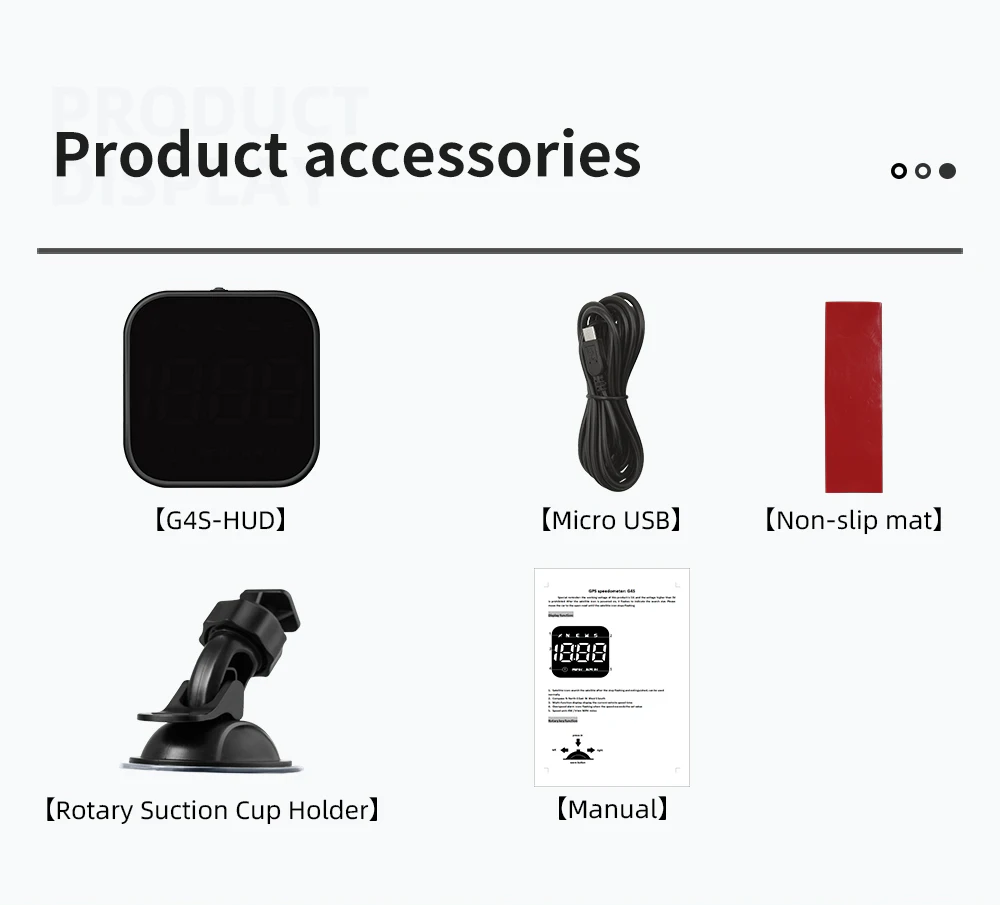
1 x Head Up Display